How Do I connect My Site from WP-Admin to My Account Dashboard?
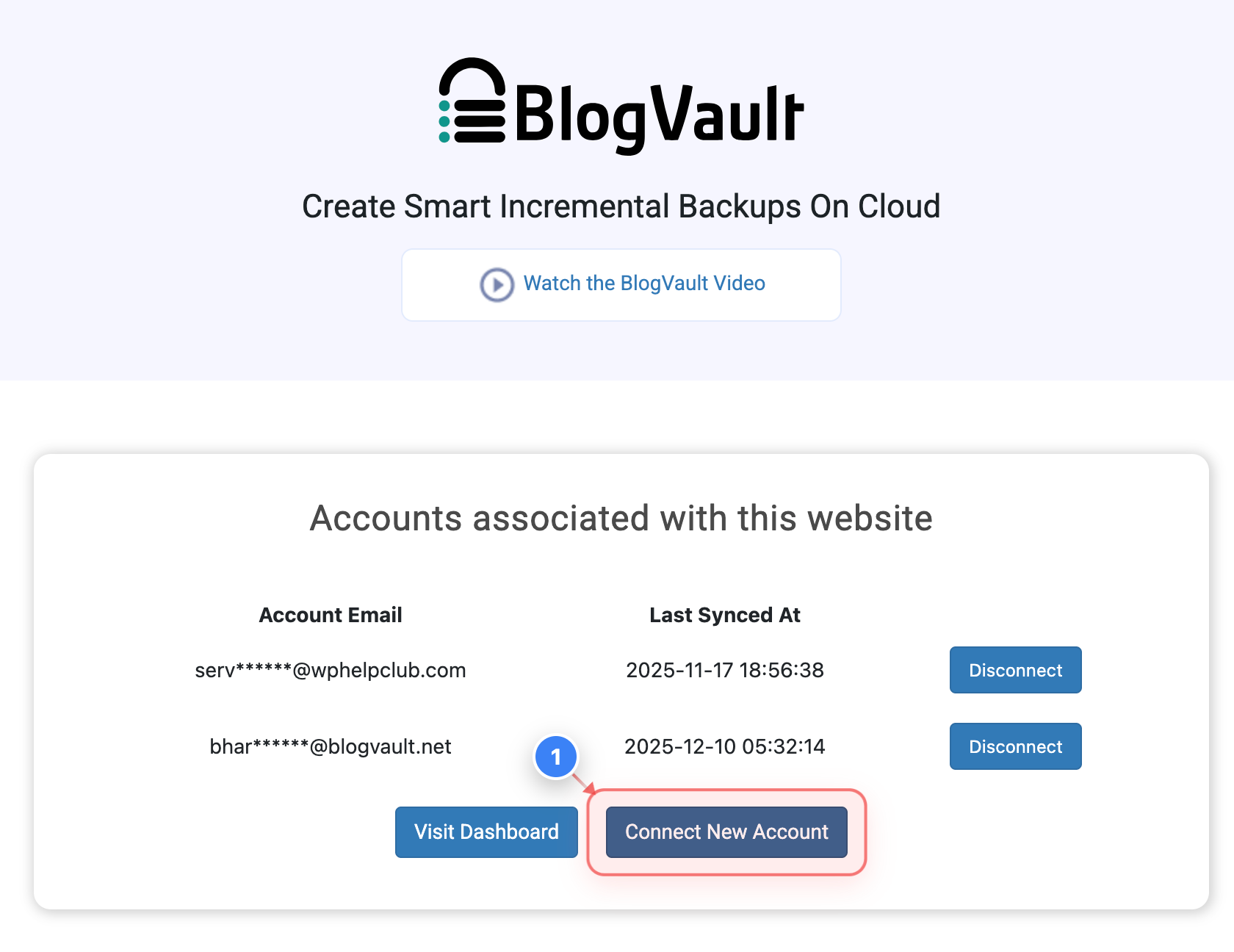
Step 1 of 7
Open Account Connection Options
Go to WP Admin -> Plugin -> Click the Connect New Account link in the accounts section to add a new account to this site.
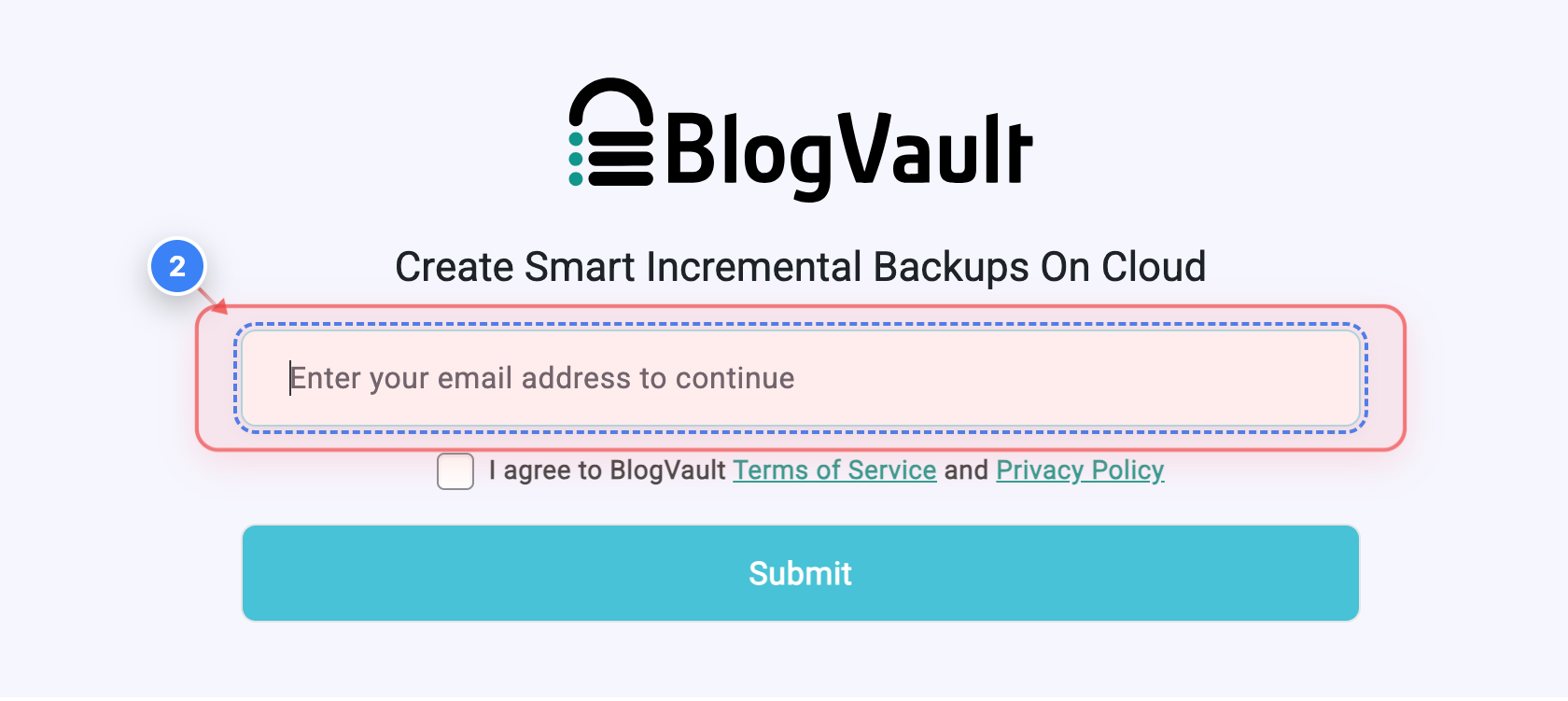
Step 2 of 7
Enter Your Email
Click the email field in the form to enter the Email address you want to use for connecting your account.
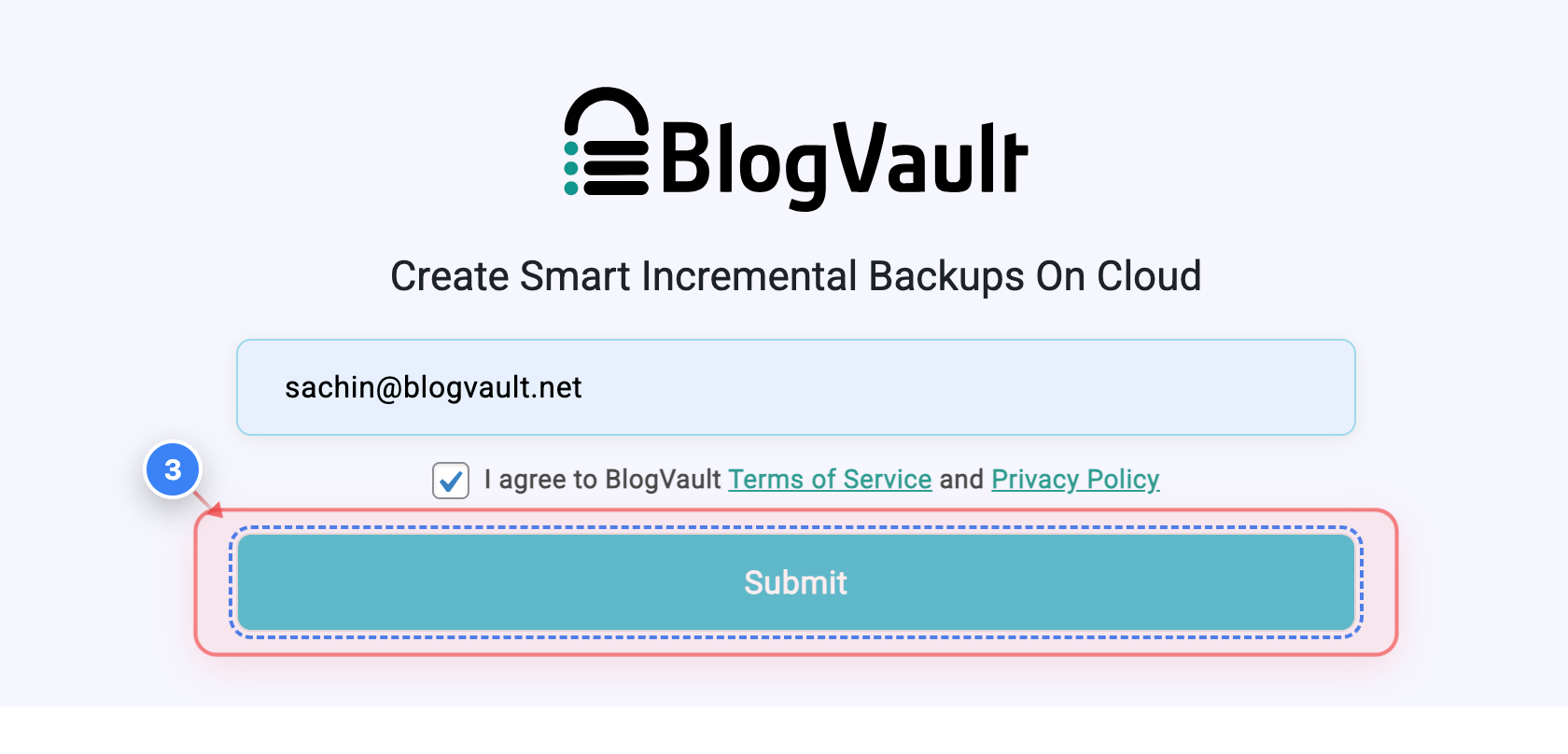
Step 3 of 7
Submit Email Details
Agree with Terms & Policy -> Click the Submit button in the signup form to continue connecting your account.
Note: You will be redirected to your Dashboard.
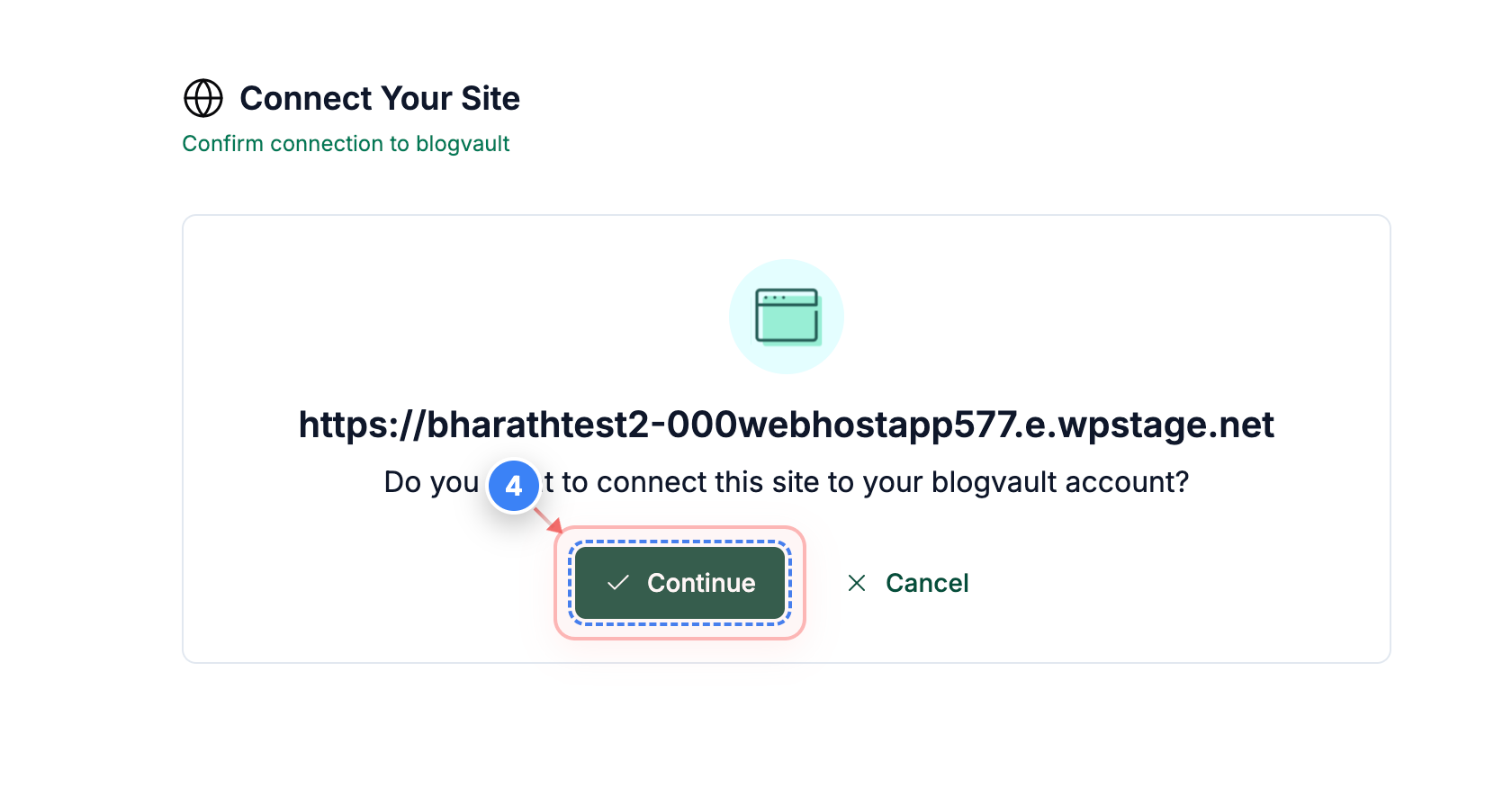
Step 4 of 7
Confirm Site Connection
Click the Continue button in the confirmation panel to approve connecting this WordPress site to your account.
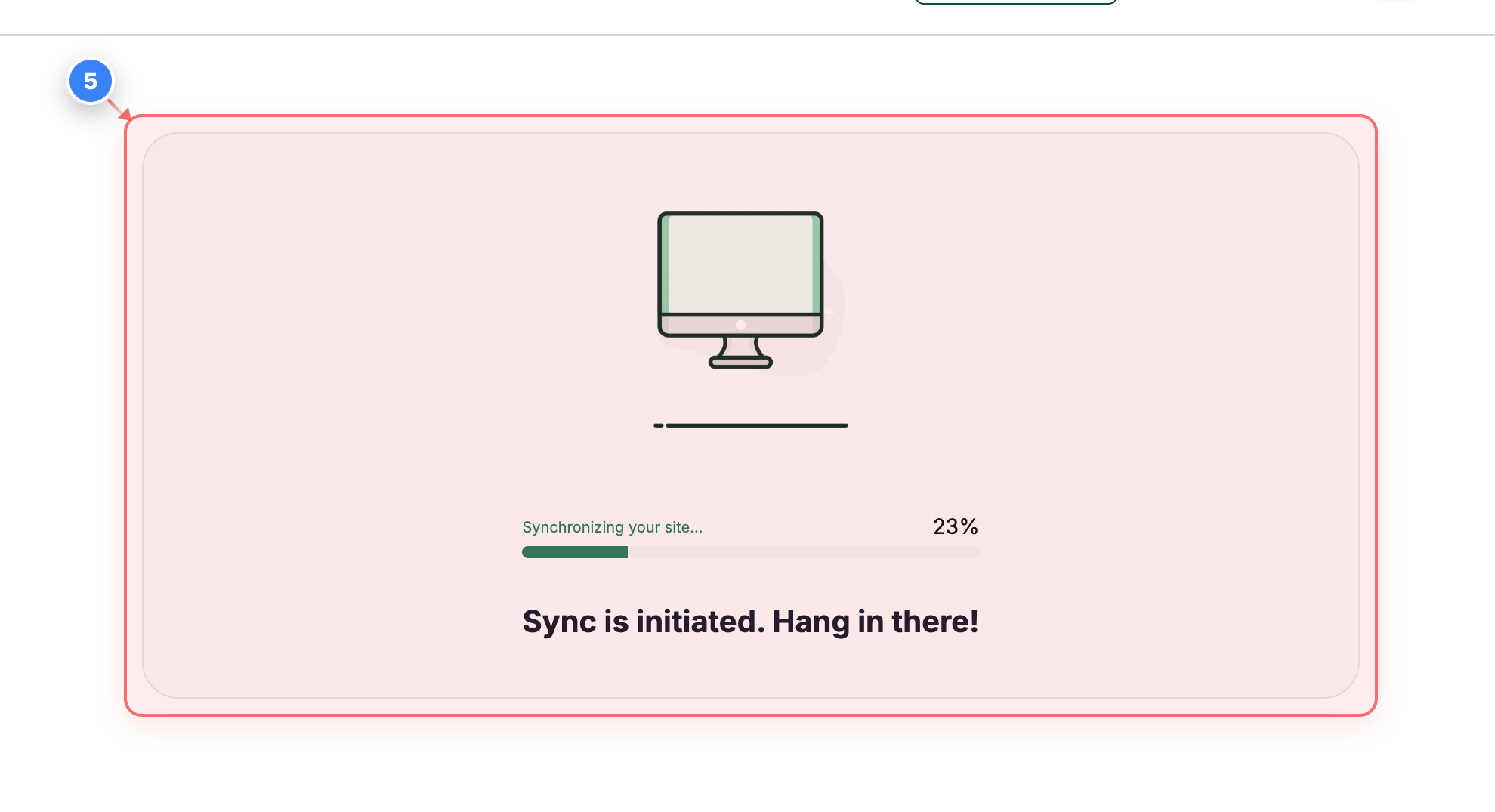
Step 5 of 7
Monitor Sync Progress
The window will show the current status of your site synchronization. Kindly track its completion.
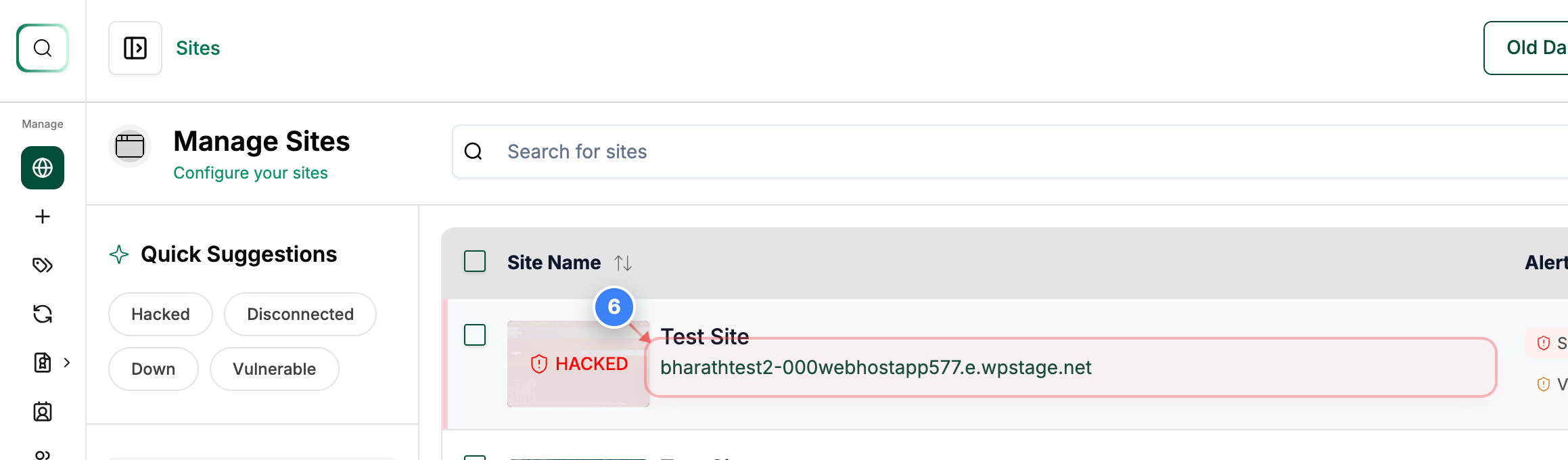
Step 6 of 7
Open the Added Site Details
You will see the site is now added to the dashboard. Click on the Site to access its management options.
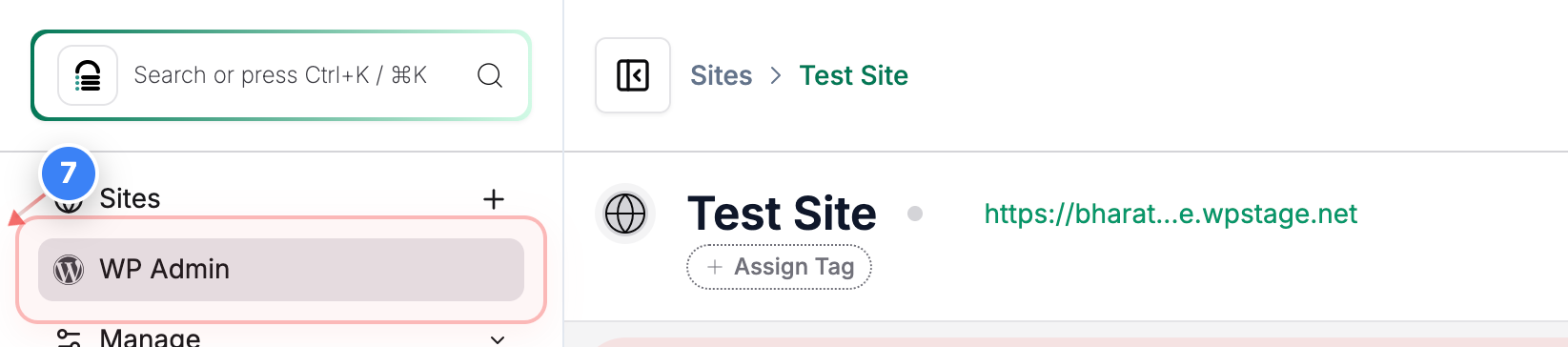
Step 7 of 7
Access WP Admin
Click the WP Admin option in the site menu to open the WordPress dashboard for the Site.
Note: You will be redirected to your WP Admin dashboard.