How do I add WordPress multisite?
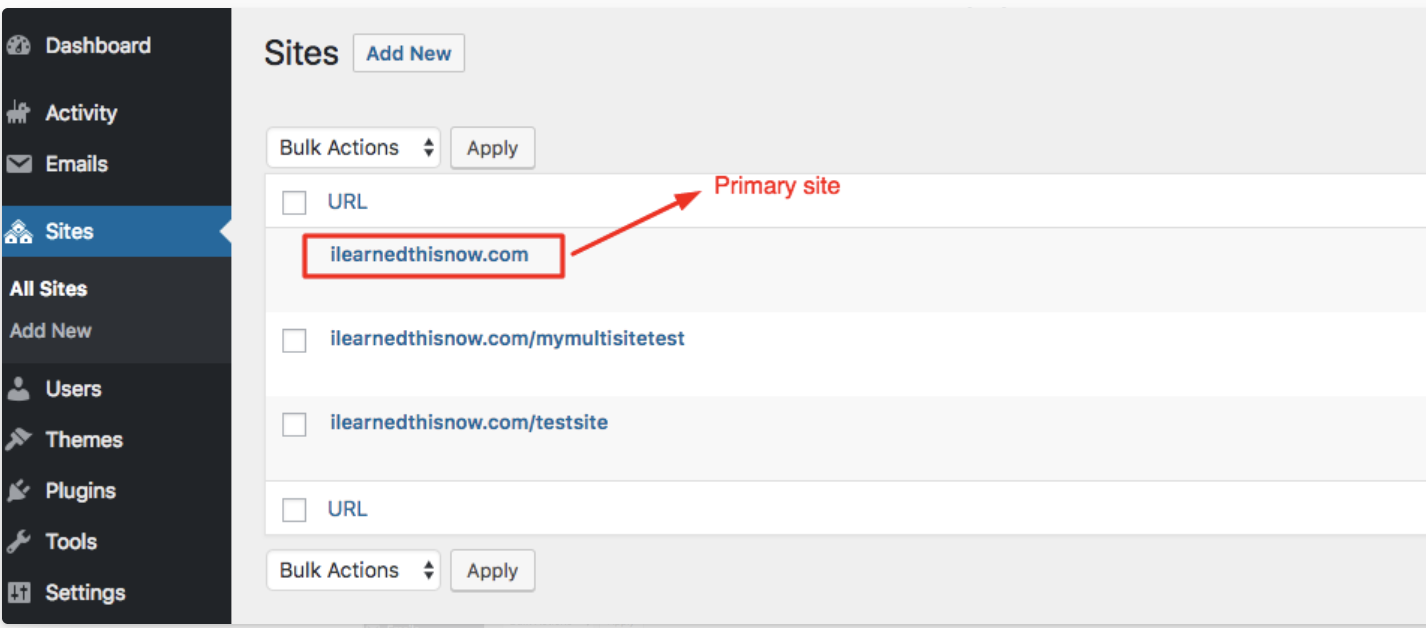
We consider an entire WordPress Multisite network as a single license(when there is only one WordPress installation on that Multisite network). This means you only need to add the primary site to your dashboard and install our plugin on it.
Once installed & connected on the primary site, our plugin automatically activates and manages all sites within the network.
In the example below, the Multisite network contains three sites, with the primary site highlighted.
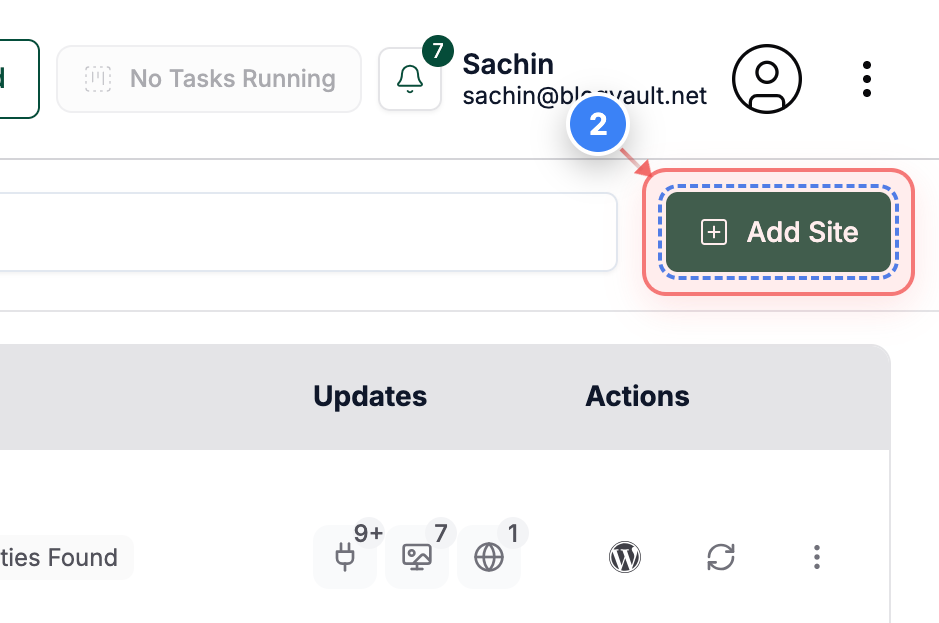
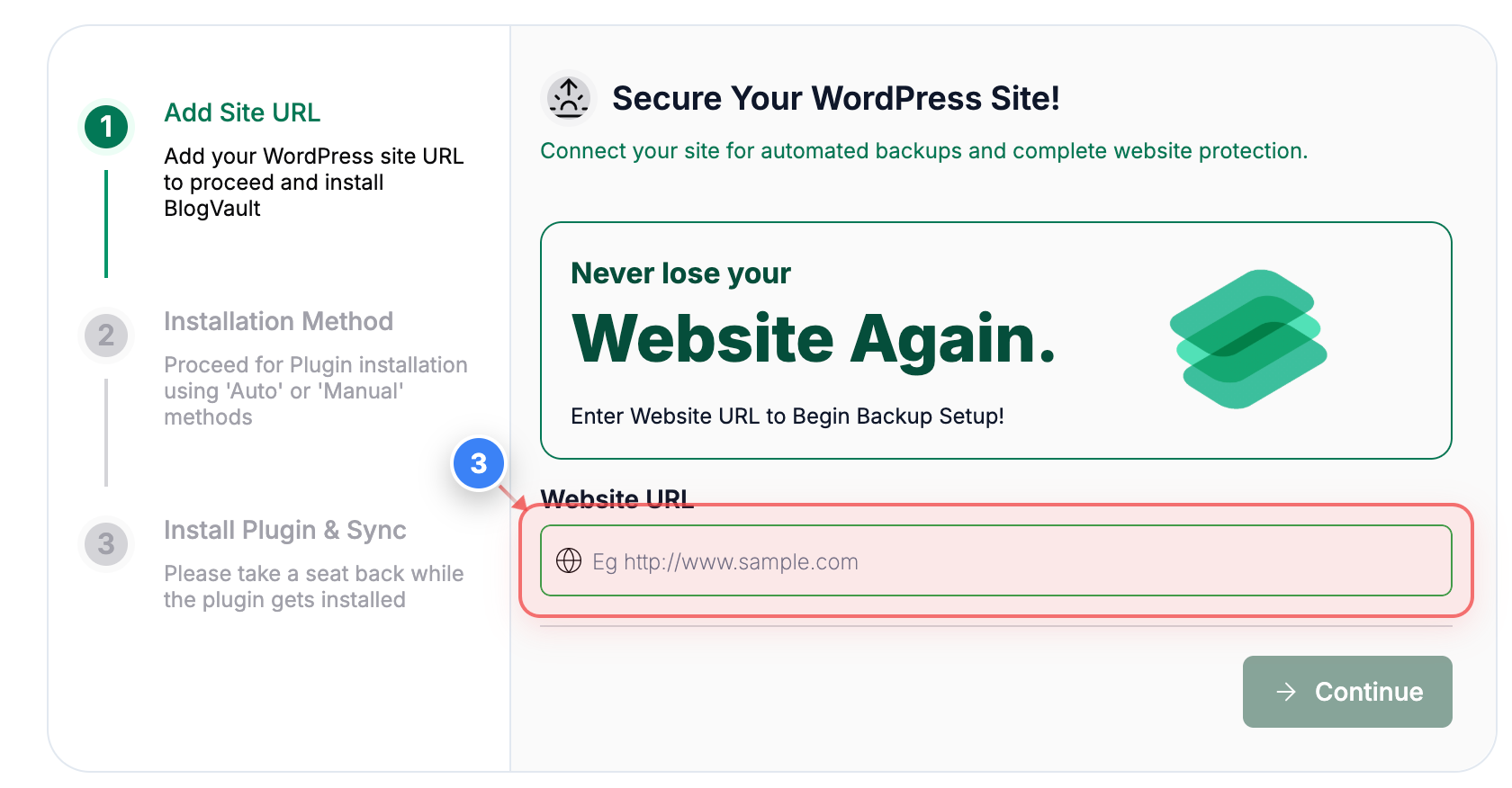
Click the "Add Site" button and enter the primary site URL of your WordPress Multisite network.
Since our system recognizes the entire Multisite network as a single site, you only need to add the primary URL.
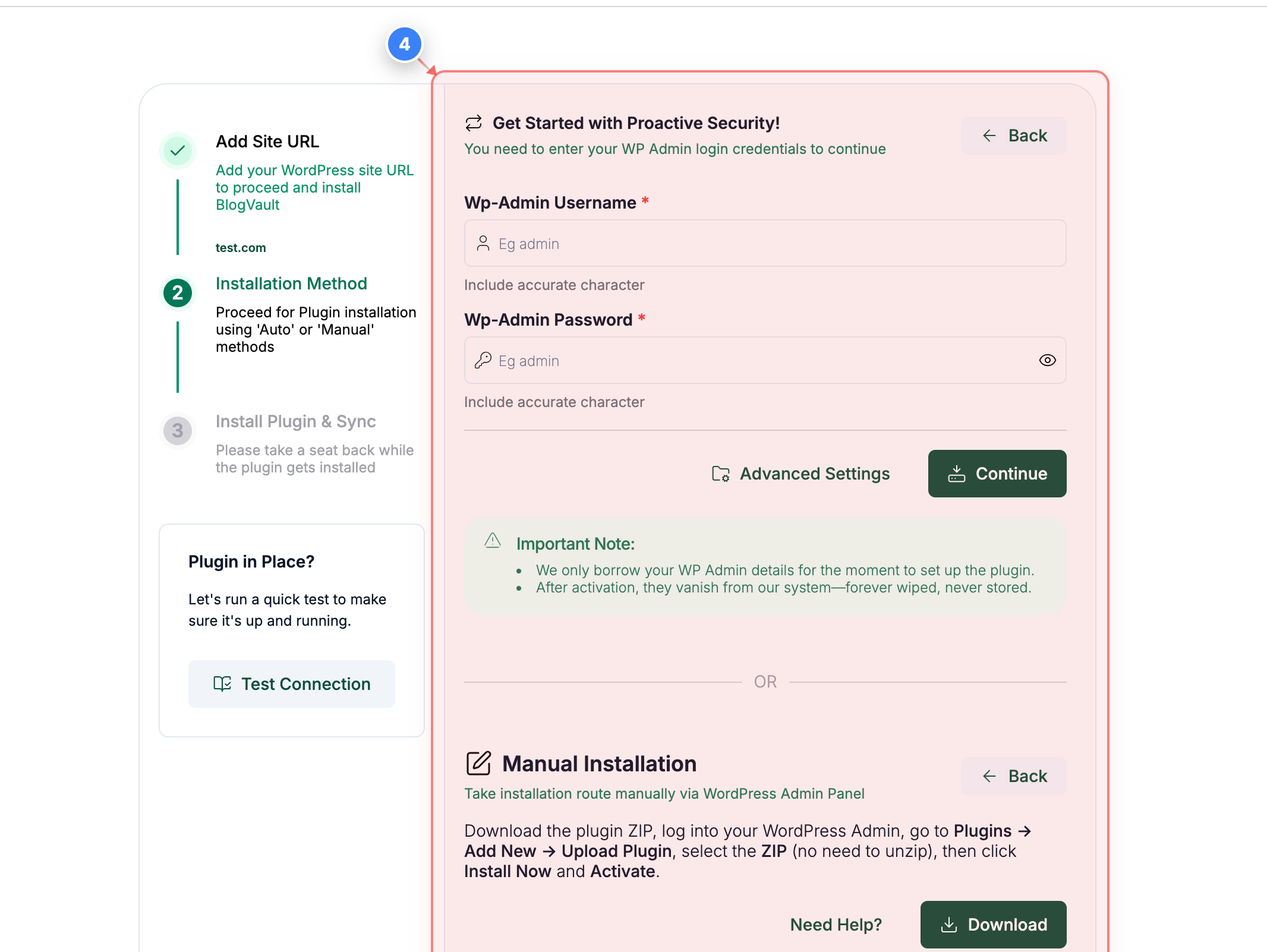
Install the plugin using any of the available methods.
If you choose to enter your WordPress admin credentials, click Continue to allow our plugin to automatically download, install, and activate the plugin, after which the initial sync will begin.
Wait for the sync to complete across all sites in your Multisite network.
Once finished, the primary site will appear in your account dashboard.