How do I change the frequency of visual monitoring checks?
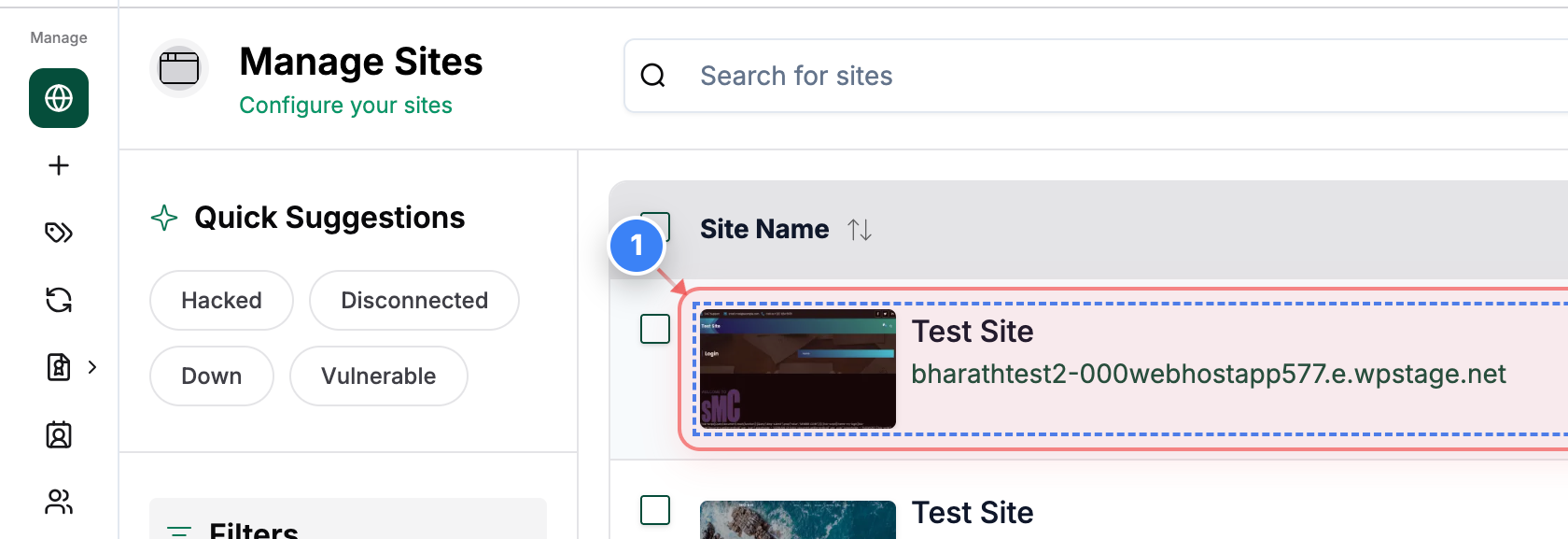
Step 1 of 7
Open your site
Click on your site name in the Sites list to open its management dashboard.
Note: Make sure you select the correct site if you manage multiple sites.
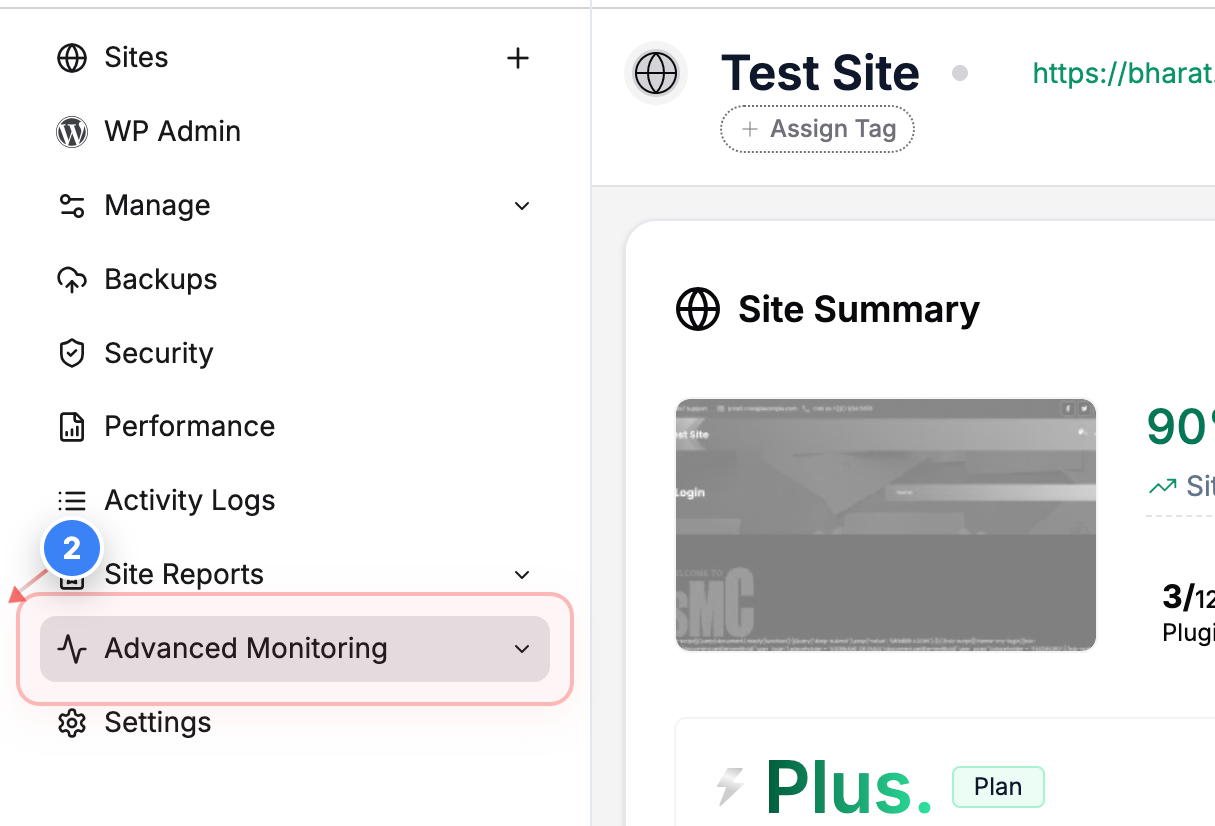
Step 2 of 7
Go to Monitoring Settings
Click Advanced Monitoring in the left sidebar to access monitoring tools for your site.
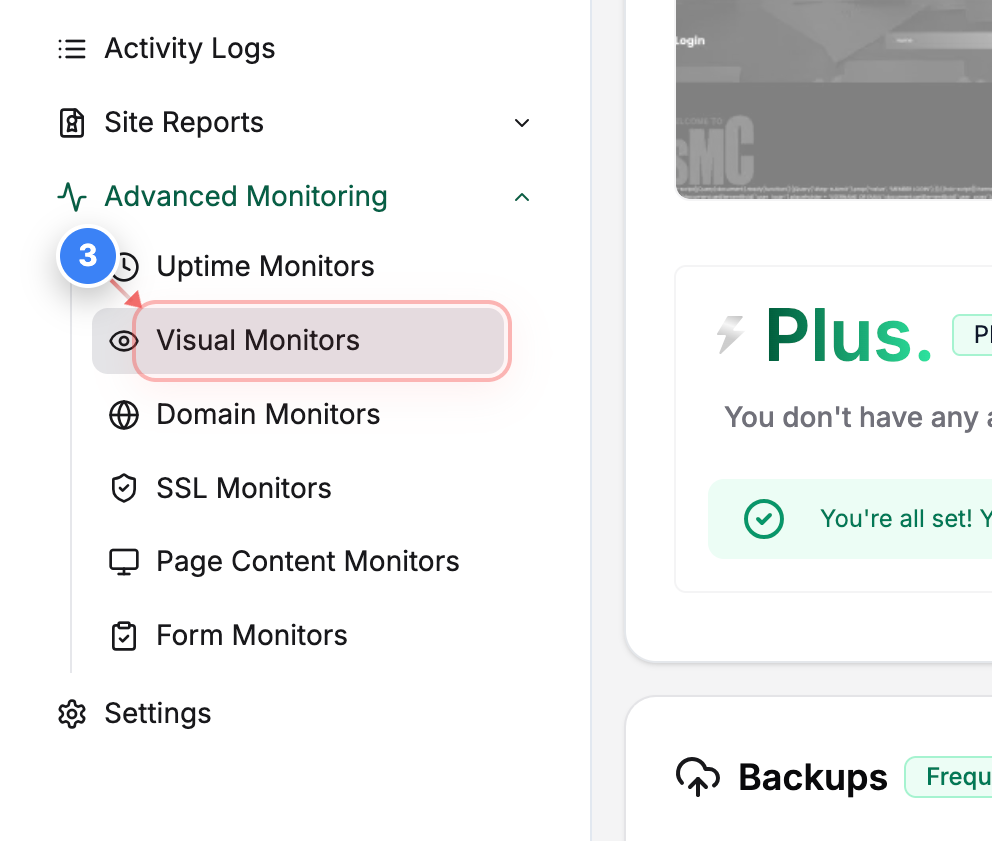
Step 3 of 7
Open Visual Monitors
Click Visual Monitors in the Advanced Monitoring section to view visual monitoring rules for your site.
Step 4 of 7
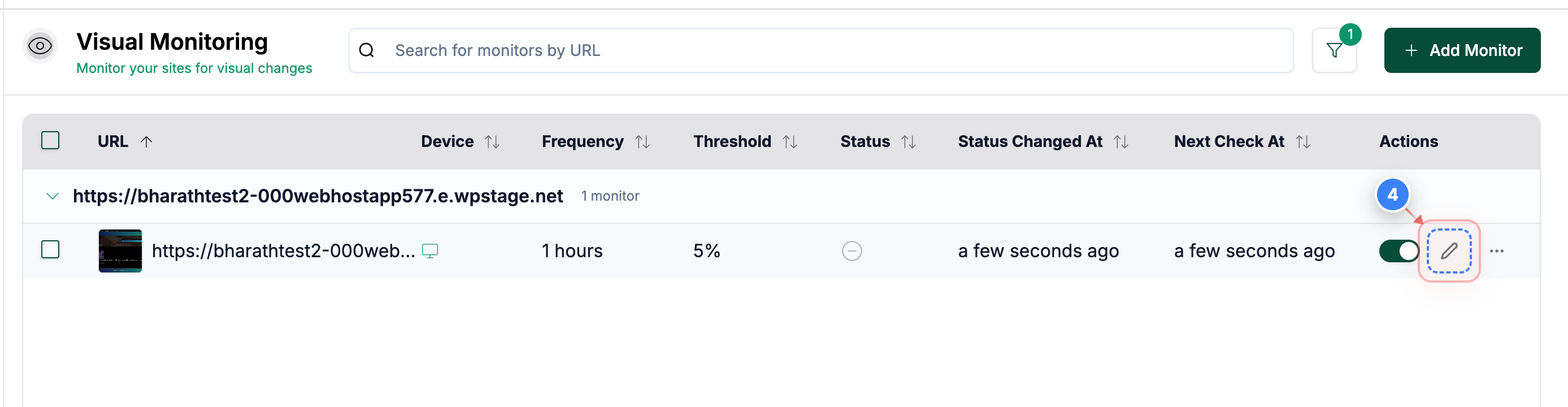
Edit a monitor
Click the edit option next to the visual monitor you want to change to open its settings.
Step 5 of 7
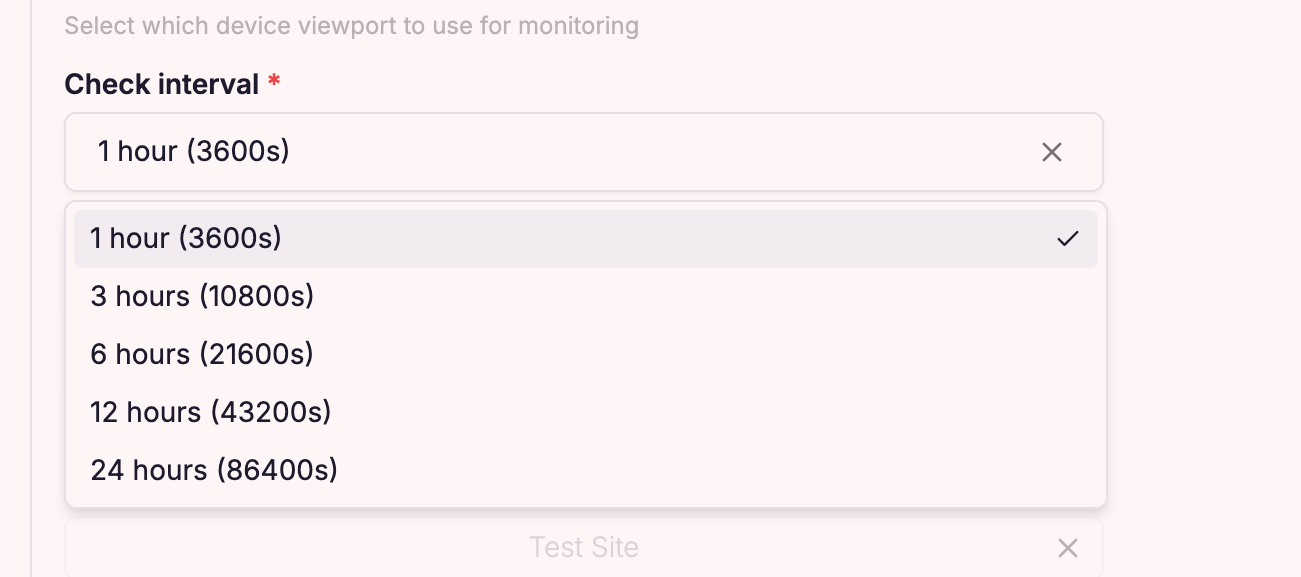
Edit monitor settings
Edit the visual monitor settings on the Check Interval to update the frequency.
Note: You can adjust Interval according to your requirements
Step 6 of 7
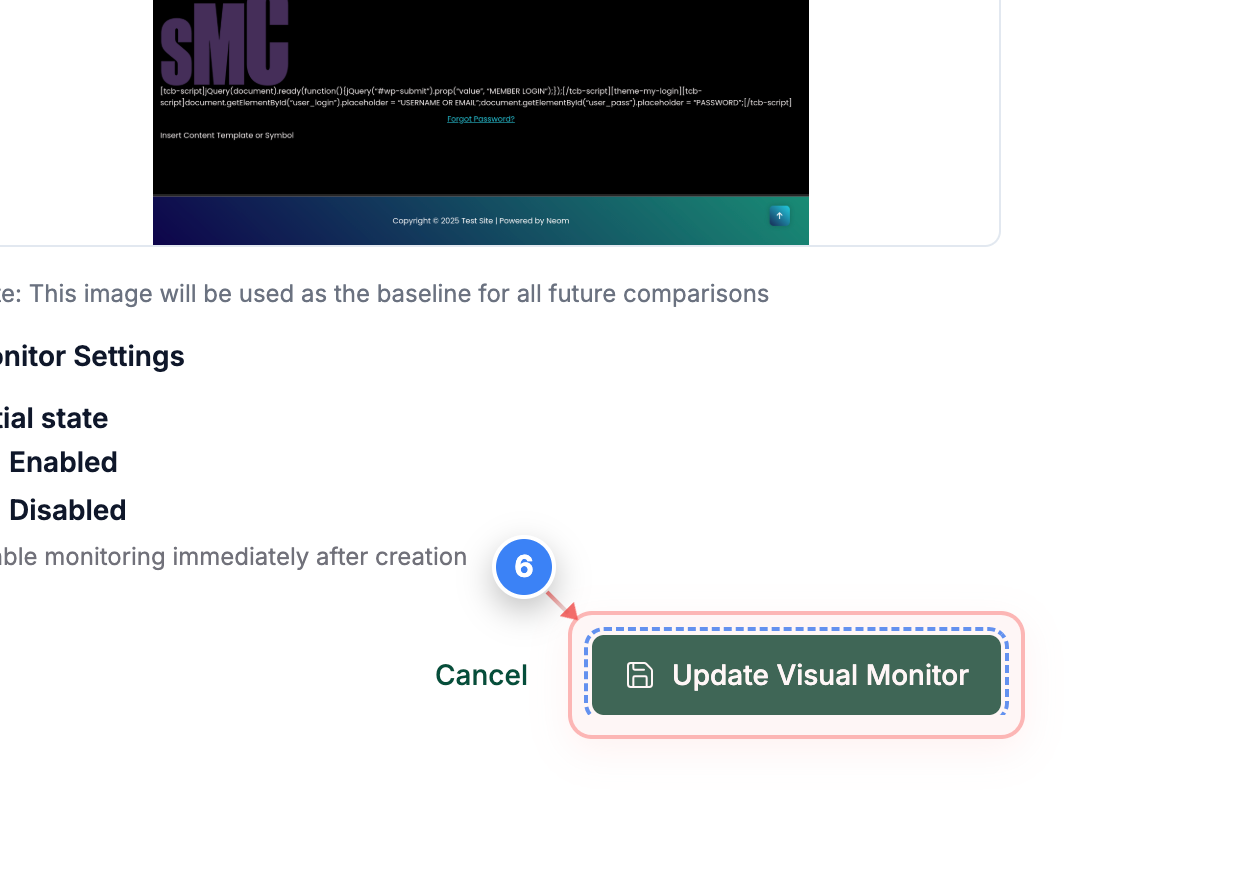
Save changes
Click Update Visual Monitor at the bottom of the page to save your changes.
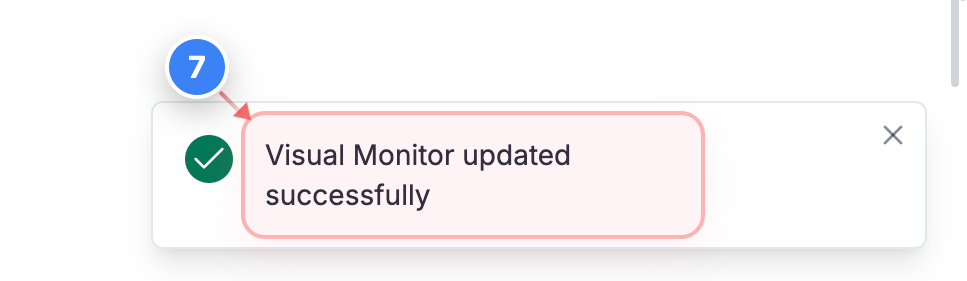
Step 7 of 7
Confirm update
Check the confirmation message at the bottom-right of the page to ensure the visual monitor was updated.
Note: The success message confirms your changes are active.