
How Do I Download My Invoices?
Step 1 of 2
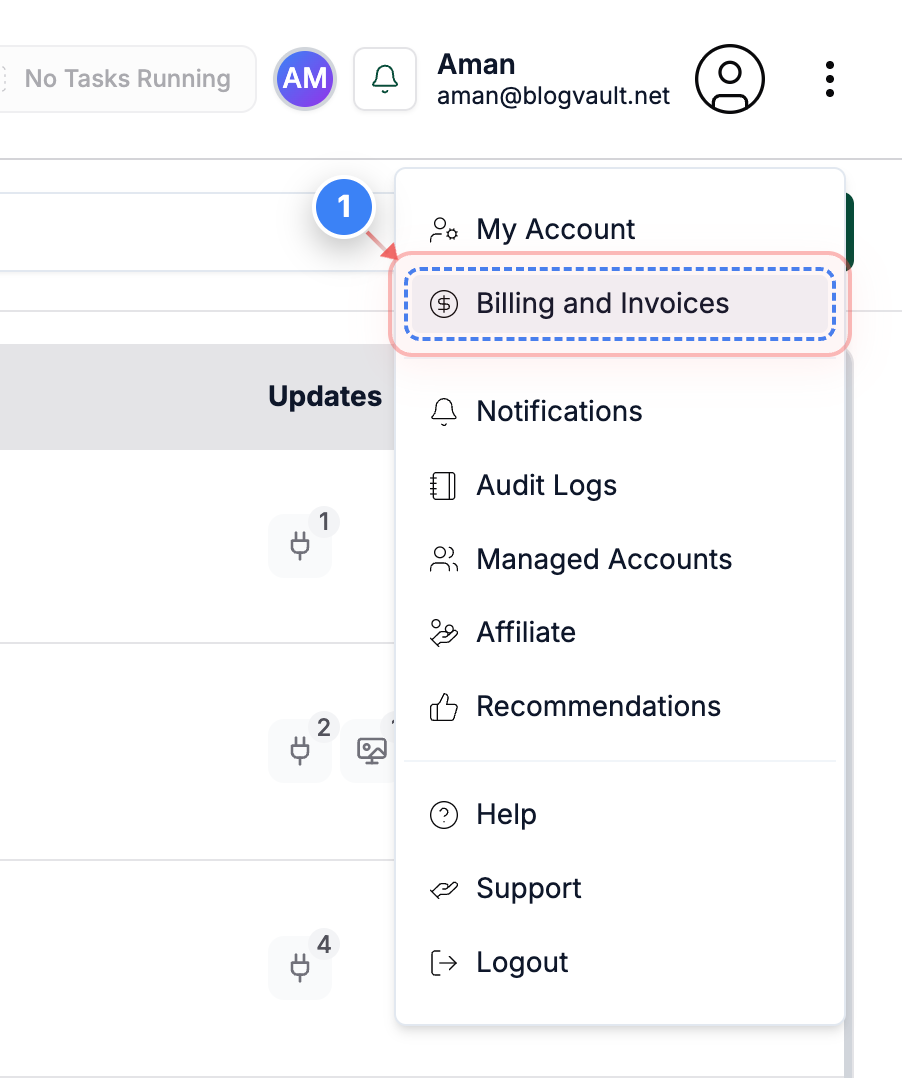
Open Billing and Invoices
Click on the "Billing and Invoices" link in the top-right menu to access all billing and all invoices for your account.
Note: Use this section whenever you need to view payments, update billing details, or download invoices.
Step 2 of 2
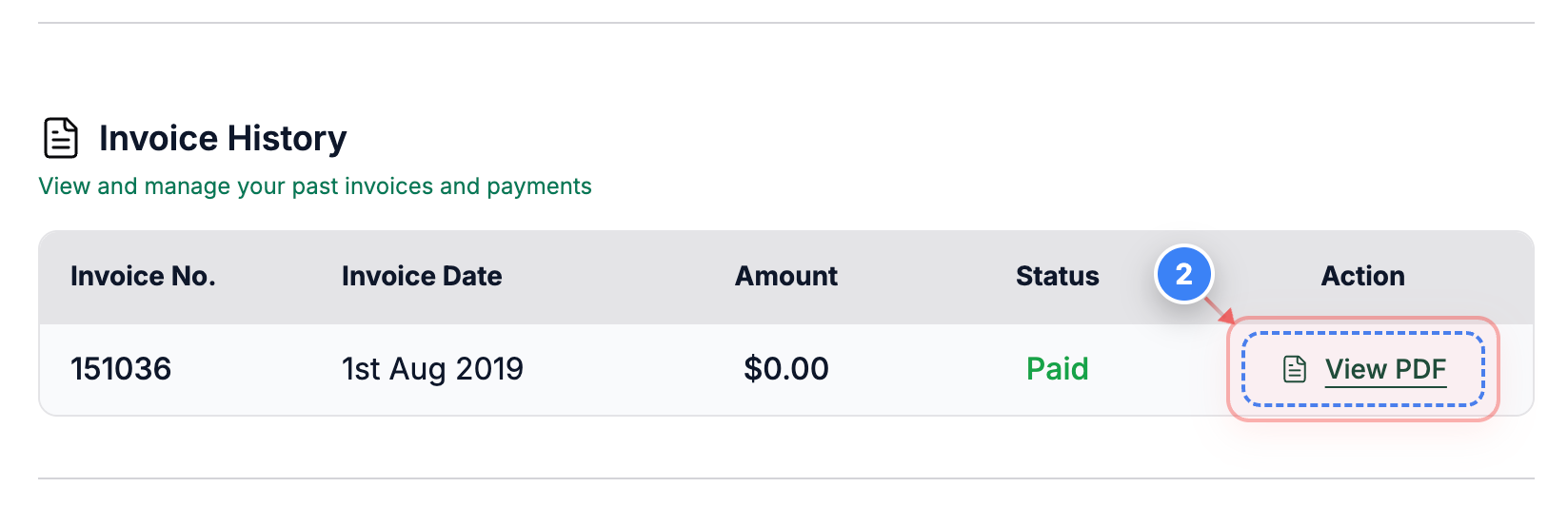
Download Invoice PDF
Click the "View PDF" link in the invoice list to open and download the selected invoice as a PDF.
Note: The PDF opens in a new tab so you can save or print it easily.
P.S: If you run into any issues while downloading your invoices, please contact support.