How Can I View the Campaigns I Created?
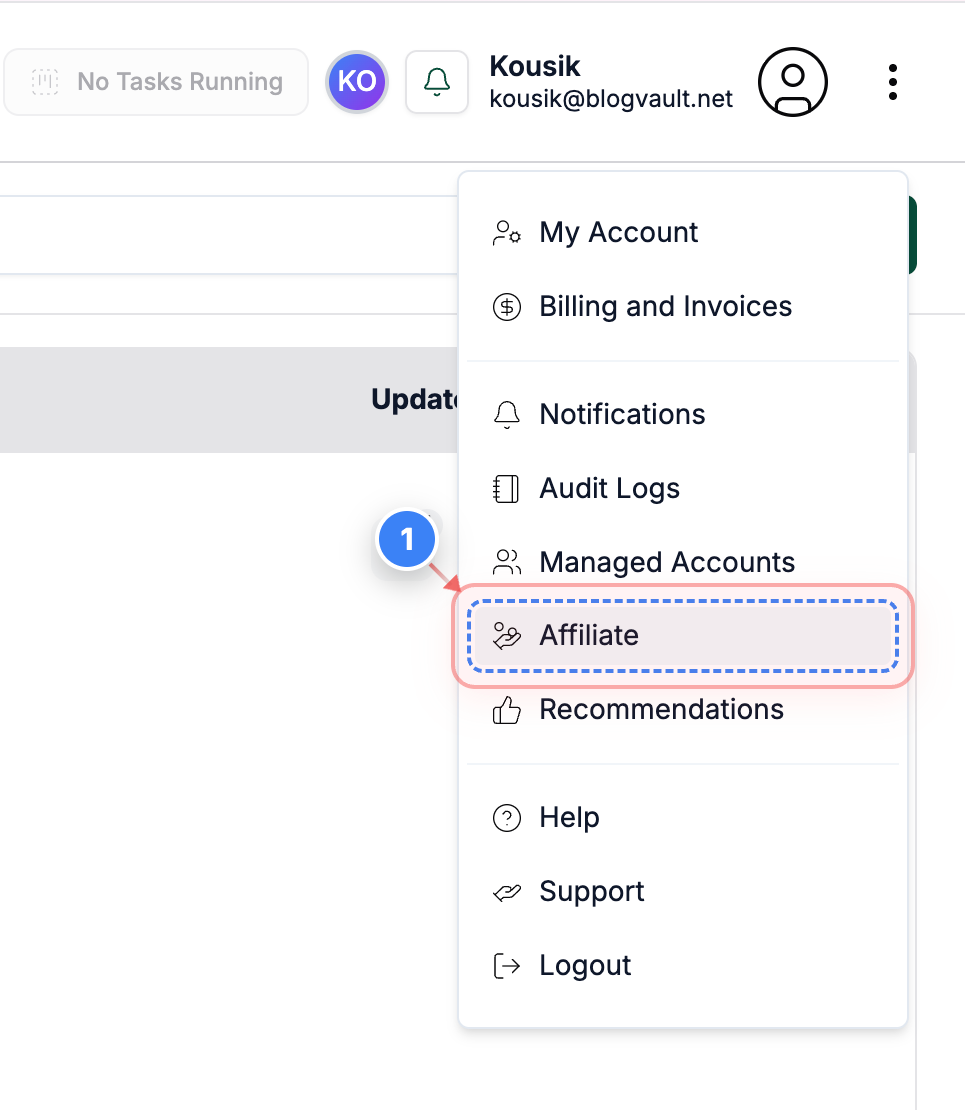
Step 1 of 3
Open Affiliate Dashboard
Click the Affiliate button from the menu on the right side of your dashboard to open your affiliate details.
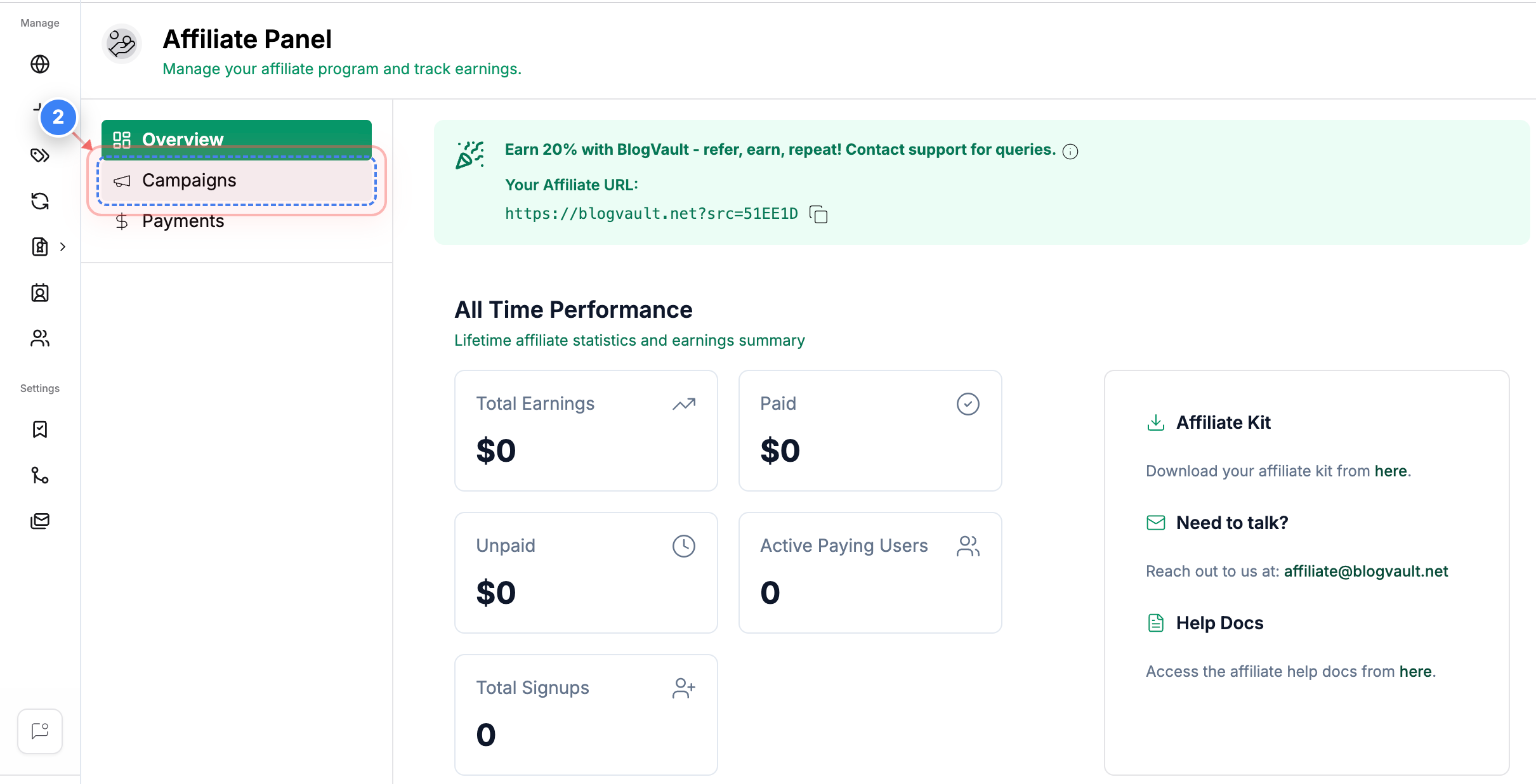
Step 2 of 3
Access Campaigns Section
Click the Campaigns option in the left sidebar to view your available affiliate campaigns & create a new one as well.
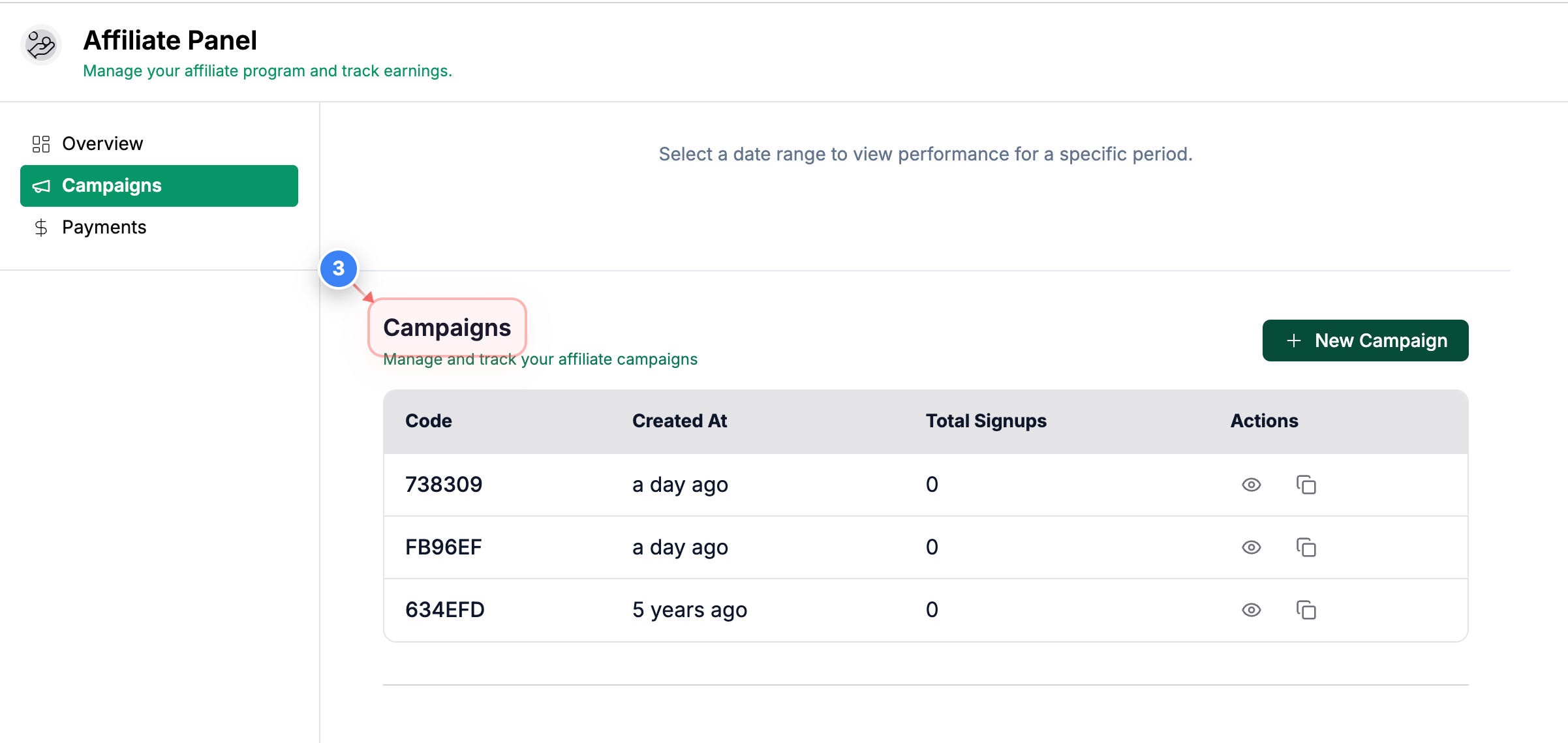
Step 3 of 3
View Campaign Details
Here, you can review all the campaigns you’ve created and manage their settings as needed.